Energy Operations

One site.
A clearer operating picture.

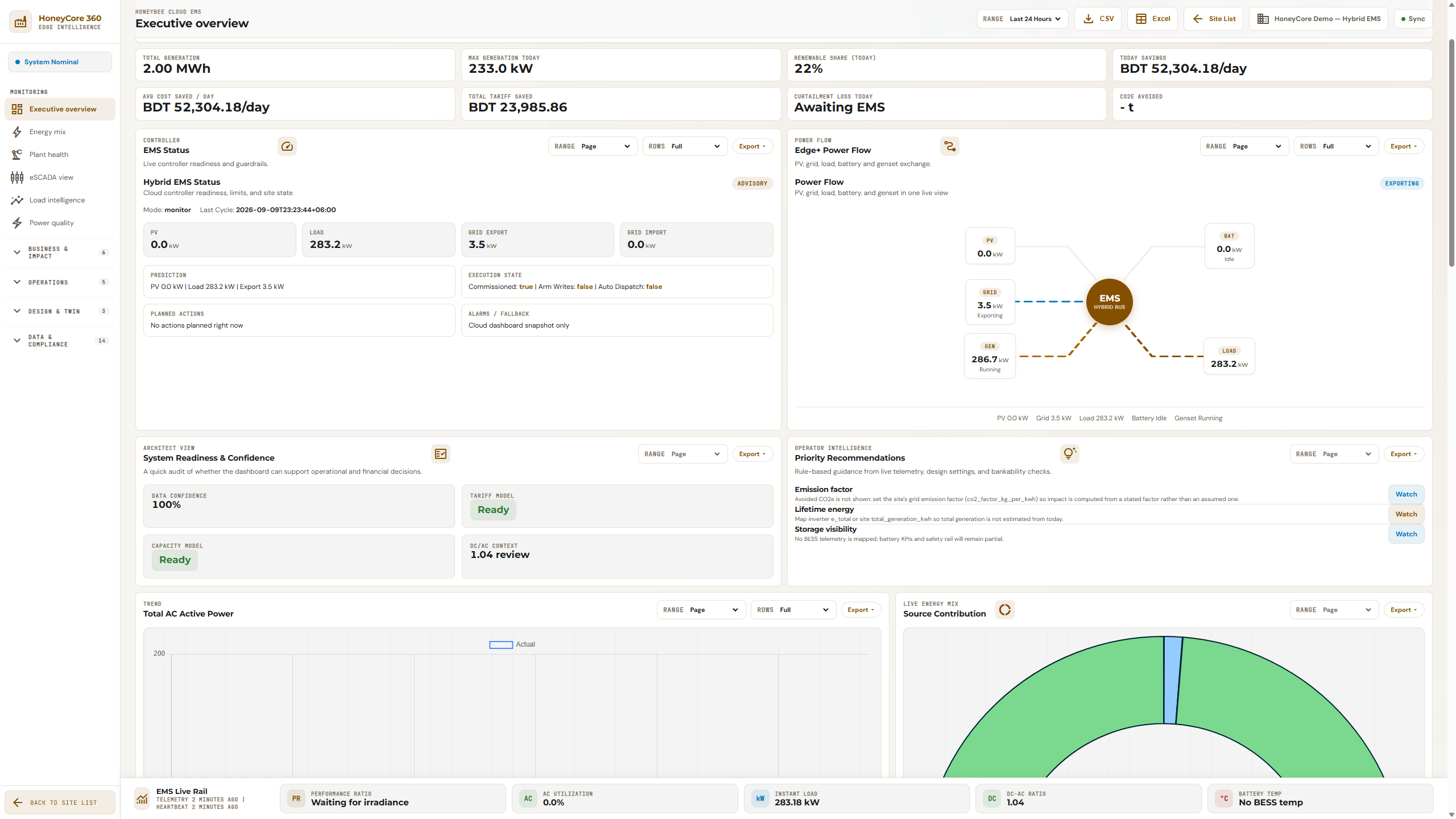
Bring building and energy information into an operational environment shaped around your facility, its systems and the people responsible for them.

SITE INFORMATION FLOWH / B
01
Connect the siteSupported equipment & interfaces
02
Understand operationsBuilding · energy · mixed sources
03
Review & respondOperational context · records
SCOPE DEFINED PER DEPLOYMENT

Conceptual workflow · not a product screenshot

Energy Operations

Four scopes. One operating environment.

Choose the capabilities that fit the information and integration needs of your site.

01

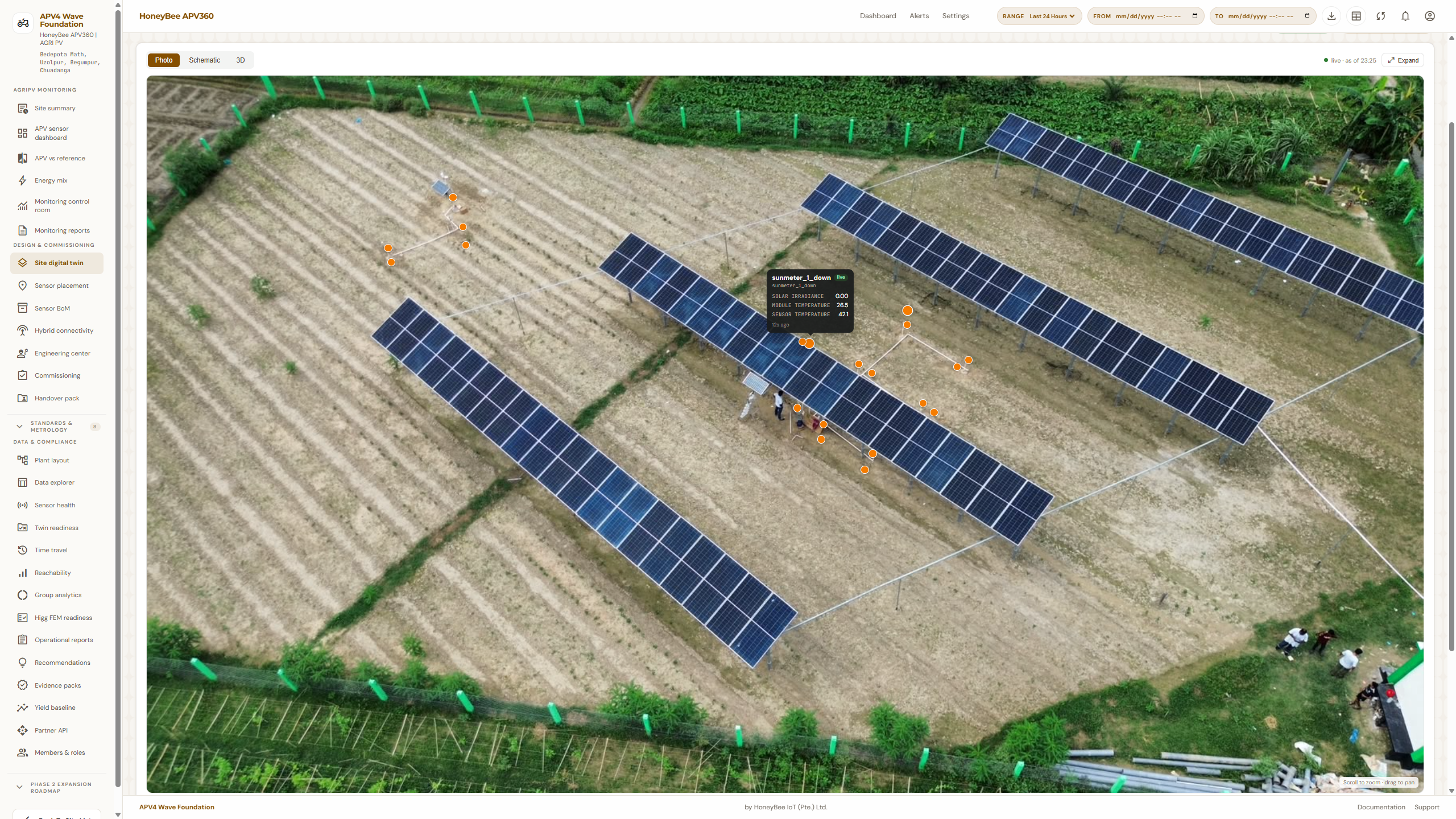
BMS · building and facility operations

Bring supported building-system information into context with maintenance and business workflows.

02

EMS · energy measurement and analysis

Understand consumption, generation and performance within the supported measurement scope.

03

Hybrid Energy & HoneyCore

Review mixed-source context and industrial edge integration where the deployment calls for them.

The working sequence

A workflow you can follow.

01 →

Survey

02 →

Connect

03 →

Validate

04 →

Contextualize

05 →

Review

06

Record

Choose an operational scope

Start with the site question.

ProductThe question it helps addressExplore
BMSWhat is happening across the supported facility systems?Explore BMS ↗
EMSWhere is energy going, and what explains the pattern?Explore EMS ↗
Hybrid EnergyHow do the site’s sources and loads behave together?Explore Hybrid ↗
HoneyCoreHow do supported field systems connect to operational workflows?Explore HoneyCore ↗
Scope & boundaries

Know what is included.
Know what needs review.

HoneyCore is an industrial edge and integration option for applicable deployments. Do not assume every BMS, EMS or Hybrid deployment requires it. Equipment and integration support are confirmed per site.

A few practical questions

Before you get started.

Can we adopt this independently?

Start with the product that fits the immediate need. Confirm data dependencies and integration scope during the walkthrough.

How do we confirm the fit?

Bring an actual workflow or site requirement. The discussion should identify the supported scope, any configuration needed and the boundaries of the first deployment.

Start with a real requirement.

Bring your site context. Agree the scope before the rollout.

Discuss your site
Loading…
Loading the web debug toolbar…
Attempt #